 Sign In
Broadcast tools
Built around the air chain.
Every major AirDeck system has a clear job, from ingest and scheduling through playback, contribution, streaming, and reporting.
01 / Automation
Keep the station moving without losing operator control.
Queue and rotation
SQL-backed queue management, category rotation, clockwheels, repeat protection, requests, liners, promos, and carts.
Native rule builder
Time, status, category, and station-state conditions can load content, rotate categories, start outputs, or trigger fallback actions.
02 / Audio engine
Real processing in the final output path.
Mix and process
Crossfade, EQ, AGC, compressor, limiter, master output, cue routing, microphone input, and voice tracking.
Protect the signal
Waveform-aware gap handling, silence detection, test tone and device calibration, plus emergency playlist recovery.
03 / Scheduling
Program the week visually.
Shows and exceptions
Drag show blocks onto a weekly calendar, set recurrence, import fixed files, detect conflicts, and add one-off events.
Per-show control
Assign rotation rules, remote DJs, prep windows, hard start times, program files, and automatic queue builds.
04 / Program intelligence
Turn airplay history into programming decisions.
AI Program Director
Compare station performance and chart movement, review category balance, and prepare explainable move-up, move-down, add, and remove recommendations.
Reporter
Build operational, royalty, proof-of-play, request, ad, and custom top-song reports from the station database.
05 / Operations
Know what happened and recover quickly.
Monitoring
Encoder health, listener history, relay status, dead-air escalation, audit timelines, and what-played-where tracing.
Recovery
Watchdog restarts, backups, settings restore, diagnostic bundles, database migrations, and station move tools.
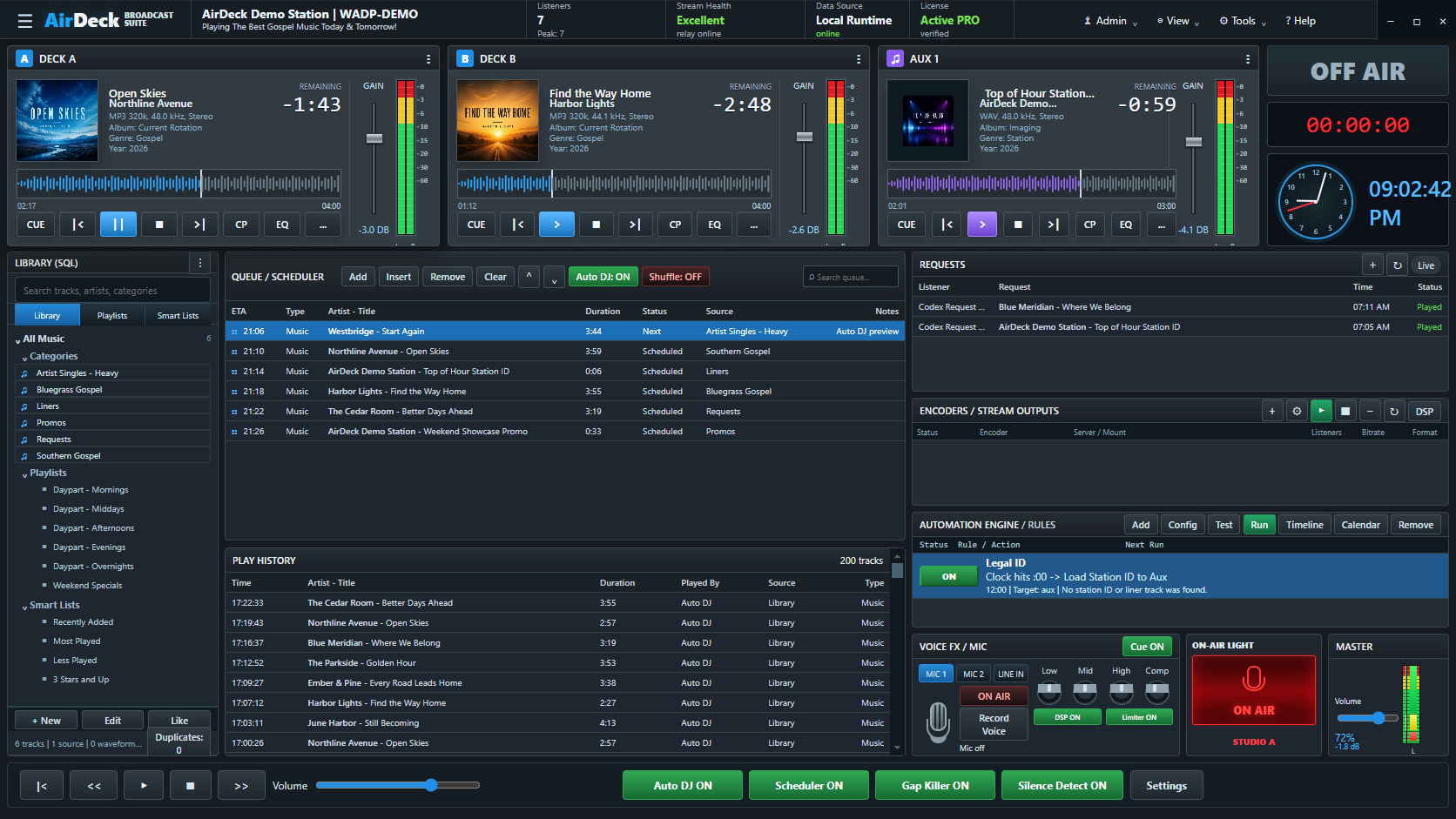
Designed for a real shift.
Dense enough for repeat operation, clear enough to see what matters at a glance.